
목표
Speed Insights를 설정하는 방법에 대해 알아보고 정리합니다.
공식문서
Speed Insights Overview
This page lists out and explains all the performance metrics provided by Vercel's Speed Insights feature.
vercel.com
Speed Insights란 무엇인가?
공식문서에서는 Speed Insights를 다음과 같이 소개하고 있습니다.
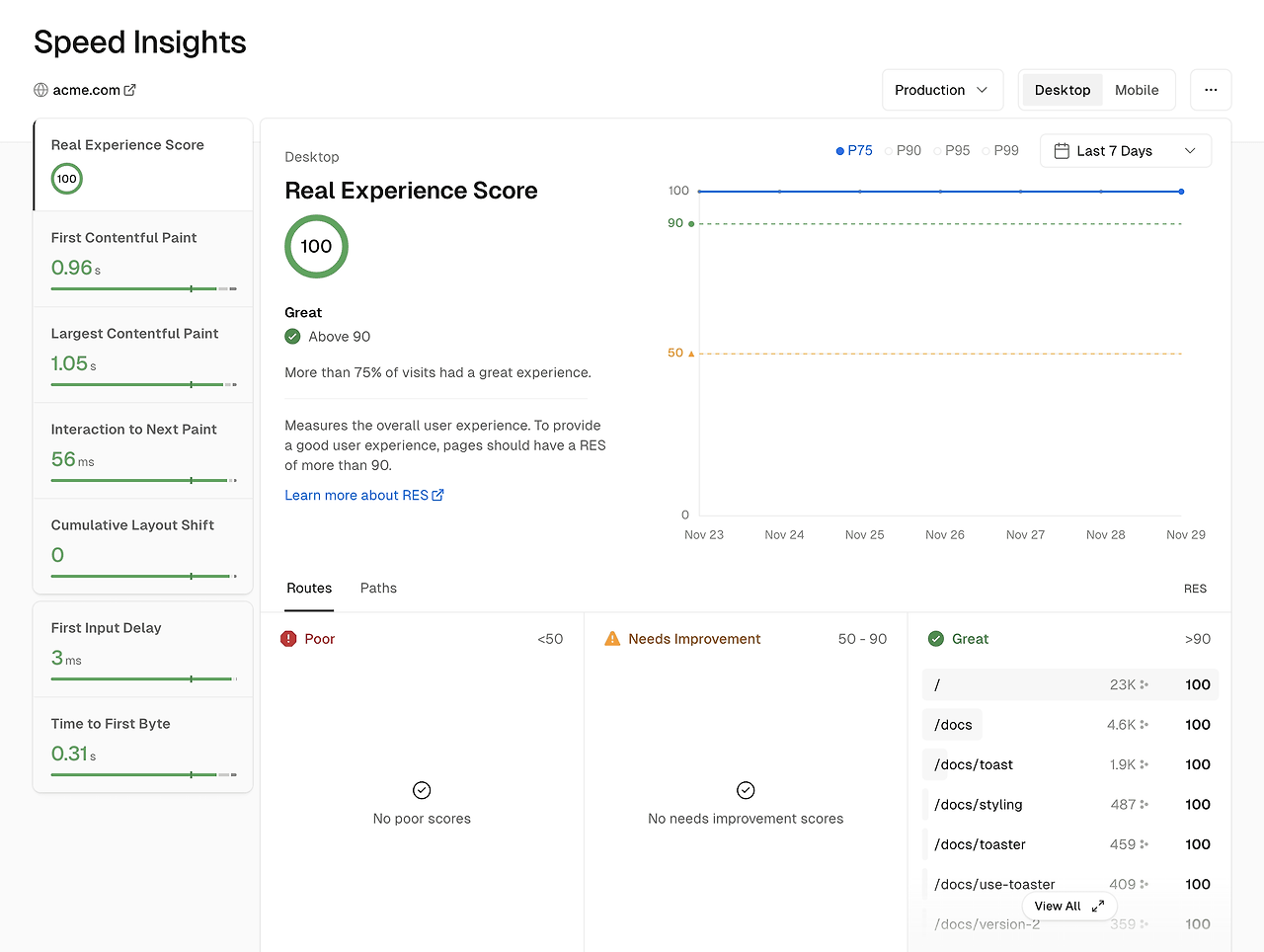
Vercel Speed Insights provides you with a detailed view of your website's performance metrics, based on Core Web Vitals, enabling you to make data-driven decisions for optimizing your site. For granular visitor data, use Web Analytics.
The Speed Insights dashboard offers in-depth information about scores and individual metrics without the need for code modifications or leaving the Vercel dashboard.
요약하자면 웹사이트의 성능과 지표를 제공하는 기능입니다.
Speed Insights는 어떻게 설정하는가?
사용방법을 위한 Quick Start 가이드 공식문서가 있으며, 꽤나 잘 정리되어있어 쉽게 설정할 수 있습니다.
Vercel Speed Insights Quickstart
Vercel Speed Insights provides you detailed insights into your website's performance. This quickstart guide will help you get started with using Speed Insights on Vercel.
vercel.com
Speed Insights 설정법 간단 요약
1. 사용중인 패키지 매니저에 맞는 명령어로 패키지를 설치합니다.
npm i @vercel/speed-insights

or

yarn add @vercel/speed-insights

or

pnpm i @vercel/speed-insights
2. SpeedInsights 컴포넌트를 프로젝트에 추가합니다. ( 13.3 버전 이상 기준 )
: <SpeedInsights /> 컴포넌트 추가 + import
import { SpeedInsights } from '@vercel/speed-insights/next';

export default function RootLayout({
  children,
}: {
  children: React.ReactNode;
}) {
  return (
    <html lang="en">
      <head>
        <title>Next.js</title>
      </head>
      <body>
        {children}
        <SpeedInsights />
      </body>
    </html>
  );
}
3. git repository에 push를 하여 vercel에서 deployment를 진행할 수 있도록합니다.
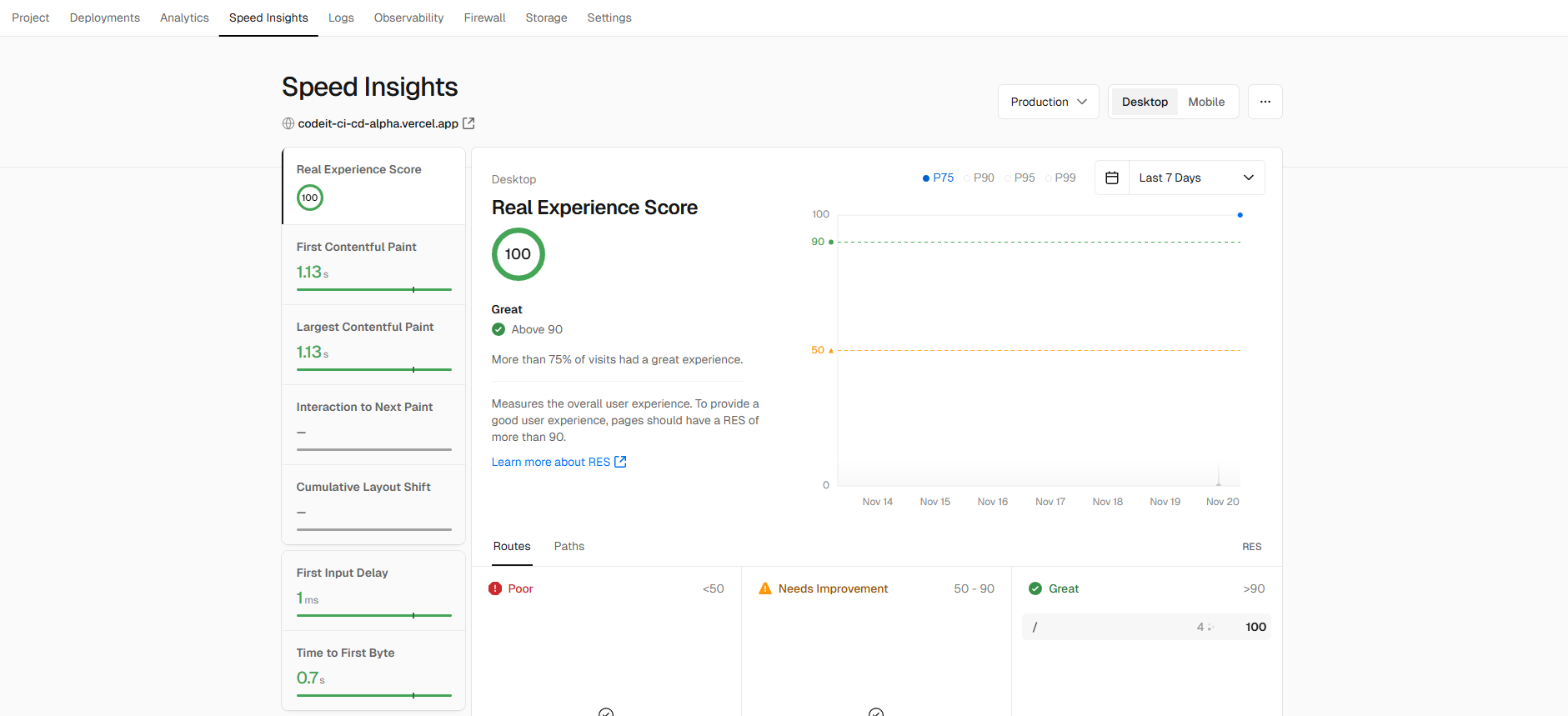
4. 이후 프로젝트의 SpeedInsights 탭에서 정보를 확인합니다.
반응형